
How to add a track
- Create a reel post
- Toggle on the option "Add a track from Instagram's audio"
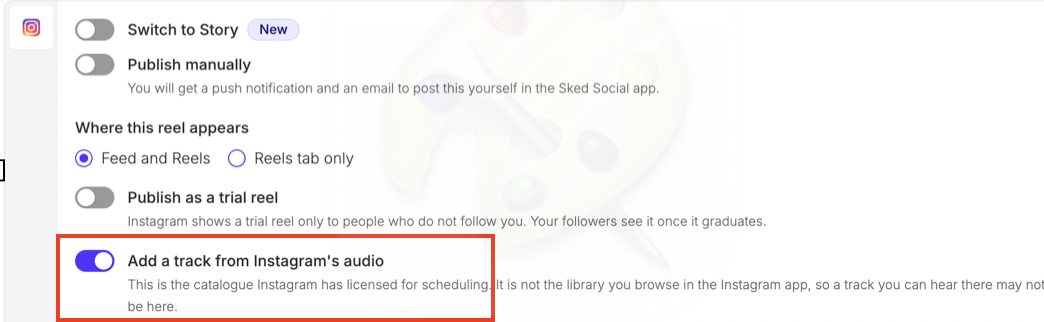
- Search for the track you want to use.
- If the track appears in the available catalogue, select it and proceed with scheduling.
- If the track is not listed, it is not currently available for selection through the API.
Why can’t I find a specific track?
Instagram provides a licensed audio catalogue for scheduling. This catalogue is separate from the music library you browse in the Instagram app.
As a result, a track available in the Instagram app may not be available in the scheduling tool. This can happen because of differences in music licensing and availability.
If you wish to use a different track or music, please schedule the reel for manual publishing so you can add your preferred audio directly in the Instagram app.
If you have any further questions, please contact the Support Team via live chat.