As part of our commitment to internet security broadly (password sharing is a bad practice!), customers on the Grow plan and above can add additional users – we call these 'collaborator' accounts.
Collaborator accounts are great for team members, clients or suppliers. You can see who has posted particular items in your archives or drafts.
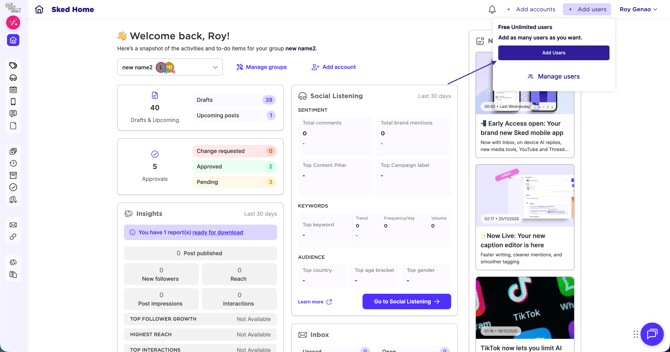
To add someone to your account, click 'Add users' on the top right corner, then click "Add users"
You can choose which account(s) they can see – when they can see an account, they can see and edit all posts and drafts, and perform actions like updating the account's password
(Note: we will never show or disclose your password to anyone though – they can only update it 🙈🙉🙊).
To see the full list of user account permissions, check out this article!
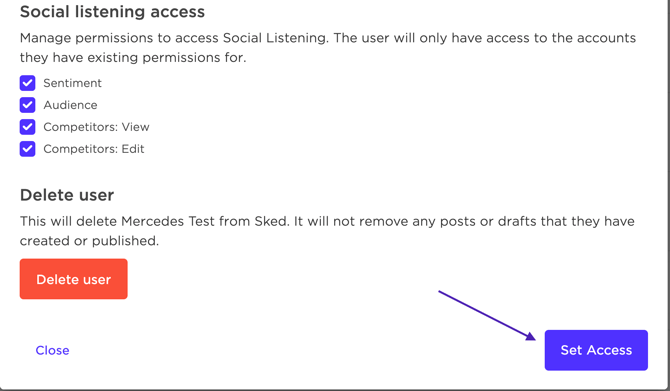
*Once all permissions are set, make sure you click "Set Access" at the bottom to save*