
Need to swap out your credit card or payment details? You can do this quickly right within your Sked dashboard.
Here’s the simple process:
-
Log in to your Sked dashboard.
-
Click on your name in the top-right corner, then select Settings.
-
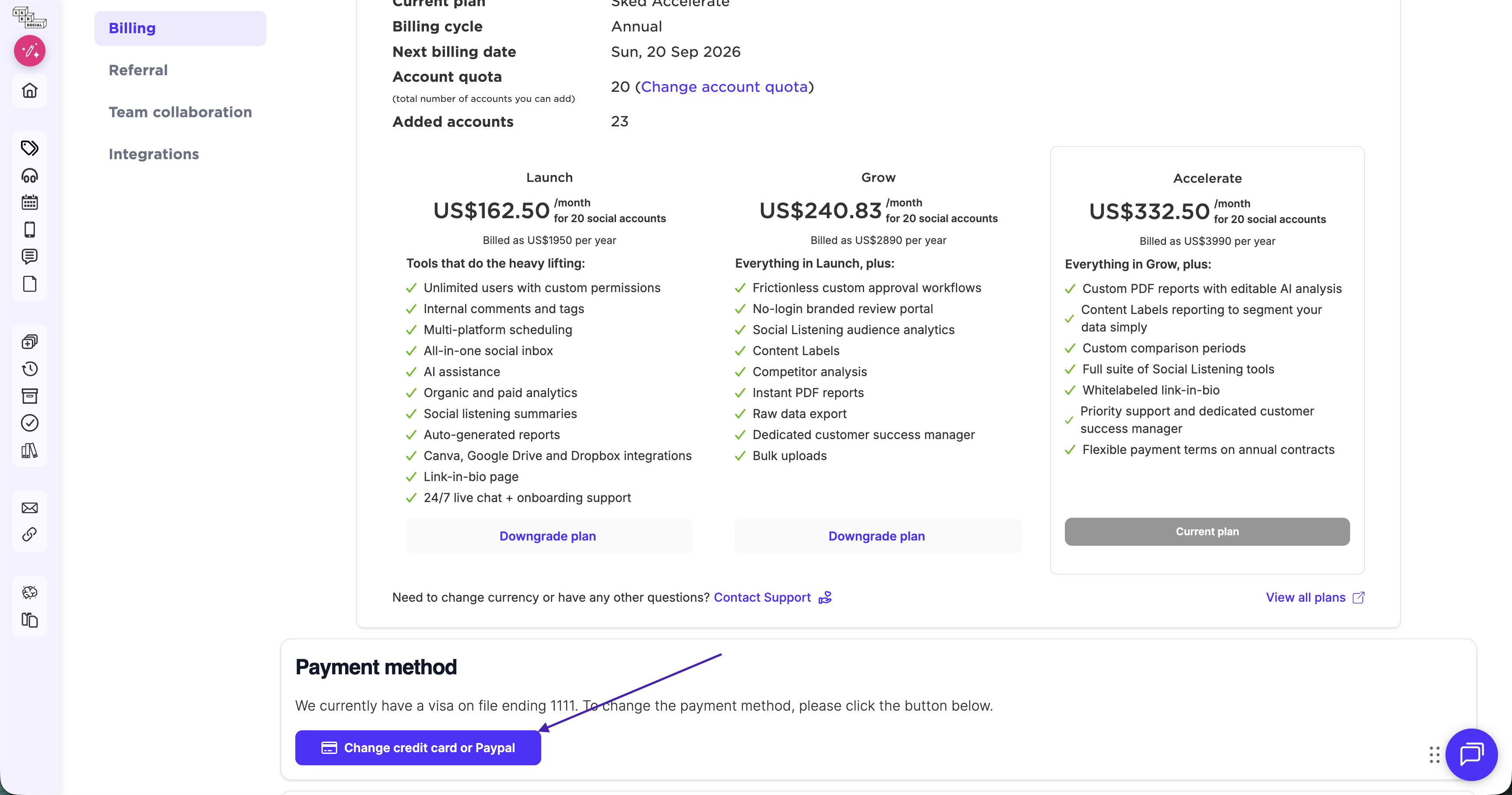
On the Settings page, click Billing in the side menu.
-
Scroll down until you find the "Change Credit Card Or Paypal" section.
You'll be directed to a separate, secure page to safely update your information.
Important Note: Only the account administrator (the person who originally set up the account) can view or update billing details. Collaborators do not have access to this information.
If you don't have access to the administrator account but need an urgent update, please send us a message via live chat, and we'll immediately send you a secure link to update your card details.