
Before you start
- You need a Facebook Page connected to Sked Social.
- Facebook Story Publishing needs to be switched on for your organization. If you don't see the Story option in the composer, contact support and we'll enable it for you.
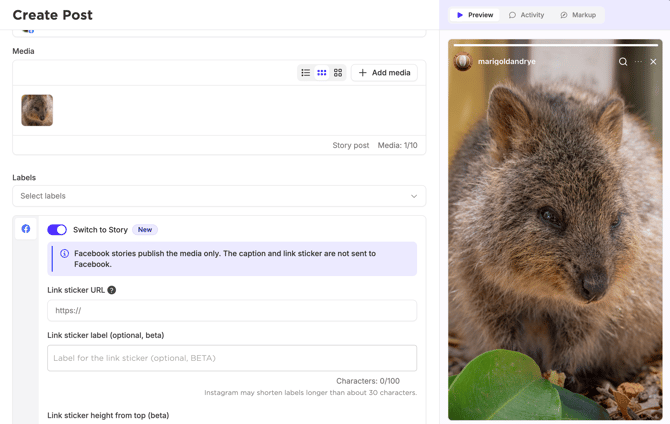
How to publish a Facebook Story
- Open Create post.
- Select your Facebook Page.
- Add your photos or videos. You can add up to 10 items to one story set
- Turn on the Story toggle.
- Check the Facebook story preview.
- Schedule your Story or publish it now.
Publish to Facebook and Instagram together
The Story toggle is shared when both account types are shared. Select both a Facebook Page and an Instagram account, turn the toggle on, and the same story set goes to both.