
Tag products from your Instagram Shop on the posts you schedule in Sked Social. Pick the product from your catalog, place the tag, and it publishes with the post.
Before you start
- An approved Instagram Shop with a product catalog. If you can tag products in the Instagram app, you're set.
- An updated Instagram connection. Your Instagram account needs to be connected through Instagram's publishing API in Sked Social.
- Any Sked Social plan. Product tagging is included on all of them.
If an account can't tag products, Sked Social tells you why when you open product tags. The message will say the account isn't eligible, has no catalog, or doesn't share a catalog with the other accounts on the post.
How to tag products
- Select Create post and choose your Instagram account.
- Add your image, carousel, or Reel.
- Select Add product tags below the caption.
- Click the spot on the image where you want the tag.
- Search your catalog and select the product.
- Repeat for any other products, then schedule or queue the post as usual.
If you need to double-check your tags before the post goes out, open it from Upcoming.
Tagging carousels
Each slide has its own tags. Select a slide from the filmstrip, then place tags on it.
You can't tag the same product on more than one slide of a carousel. Instagram rejects the post if you do, so tag each product on one slide only.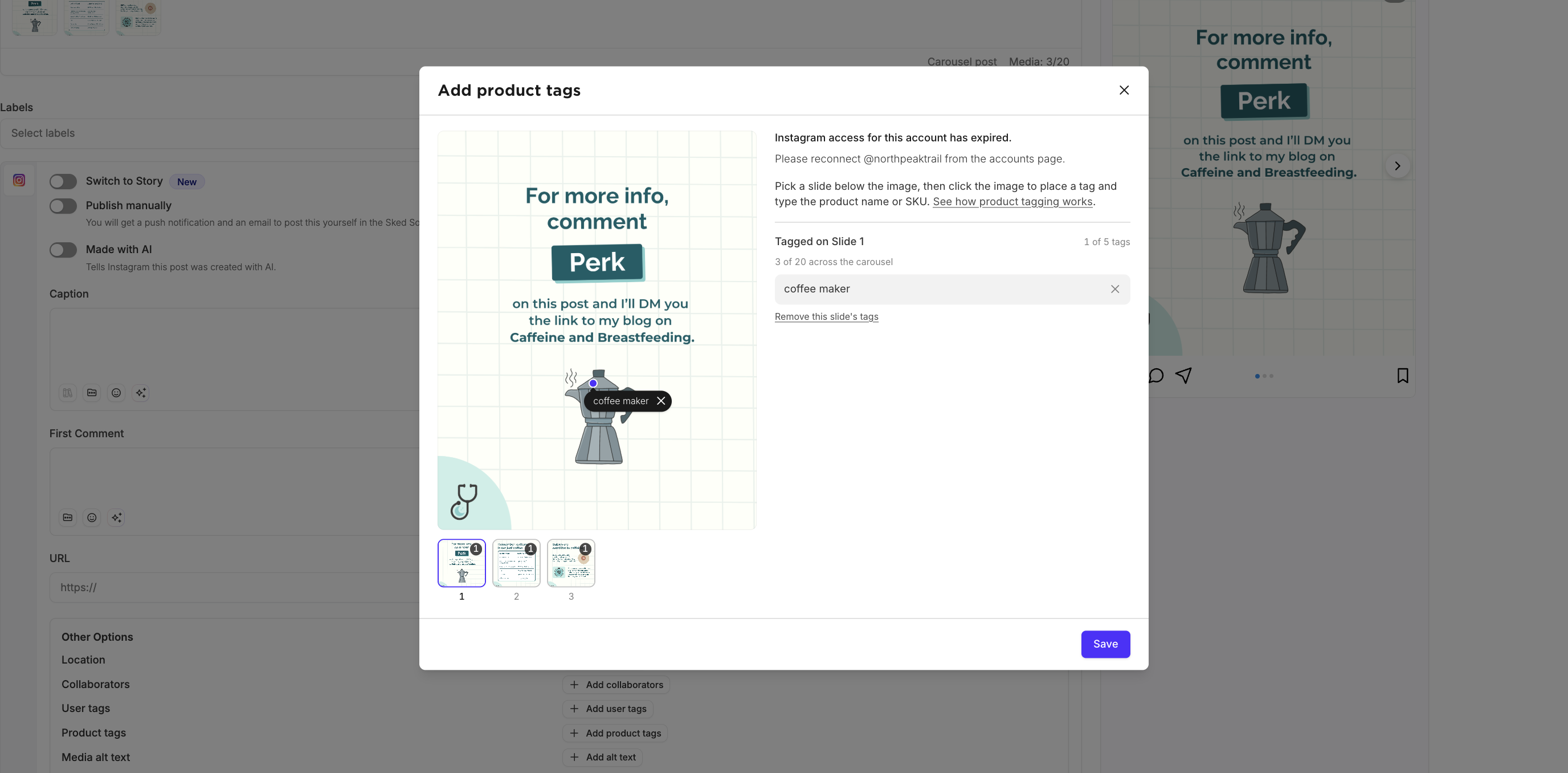
Tagging Reels and videos
On a Reel, products are listed with the post instead of placed on the video. Select your products from the catalog and they'll show in the Reel's product list on Instagram.
Product tags aren't available on Stories. Instagram doesn't support them through its publishing API.
How many products you can tag
|
Post type |
Maximum products |
|---|---|
|
Single image |
20 |
|
Carousel |
5 per slide |
|
Reel |
30 |
If a product tag can't publish
If Instagram rejects a product tag at publish time, Sked Social publishes the post without it. Your post still goes out on time. This usually means the shop or the product isn't approved yet. Check it in Commerce Manager, then add the tag in the Instagram app if you need it on that post.
Troubleshooting
- The product isn't in the list. Check it's approved and in the catalog linked to your Instagram Shop. Products you've just added can take a little while to show up in Sked Social.
- Add product tags is missing. Your Instagram connection hasn't been updated yet, or the account isn't eligible. The message in the composer tells you which.
- Posting to several Instagram accounts at once. Tags only work when every selected account uses the same catalog.
Still stuck? Message us through live chat or email support@skedsocial.com