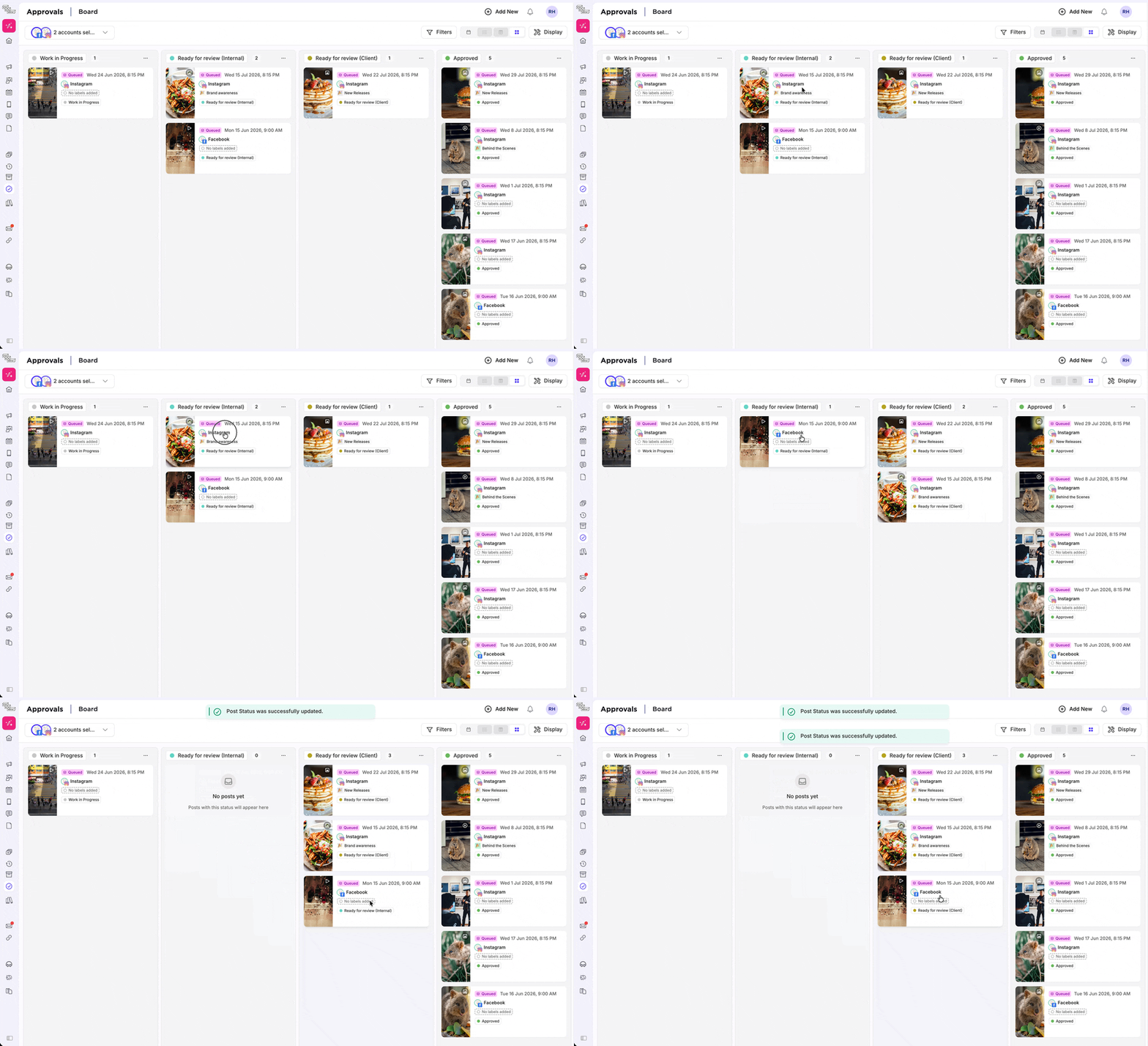
See your full pipeline at a glance.
No more scanning row by row to find what's waiting on feedback. Every post is visible, every status is clear, all at once.
Move things forward without leaving the view.
Drag a card from one column to another to change its approval status without opening the post.
Click any card to preview the post. CMD+Click to open it in the editor. Right-click for a quick-action menu.
Bulk select item for mass changes using shift+click
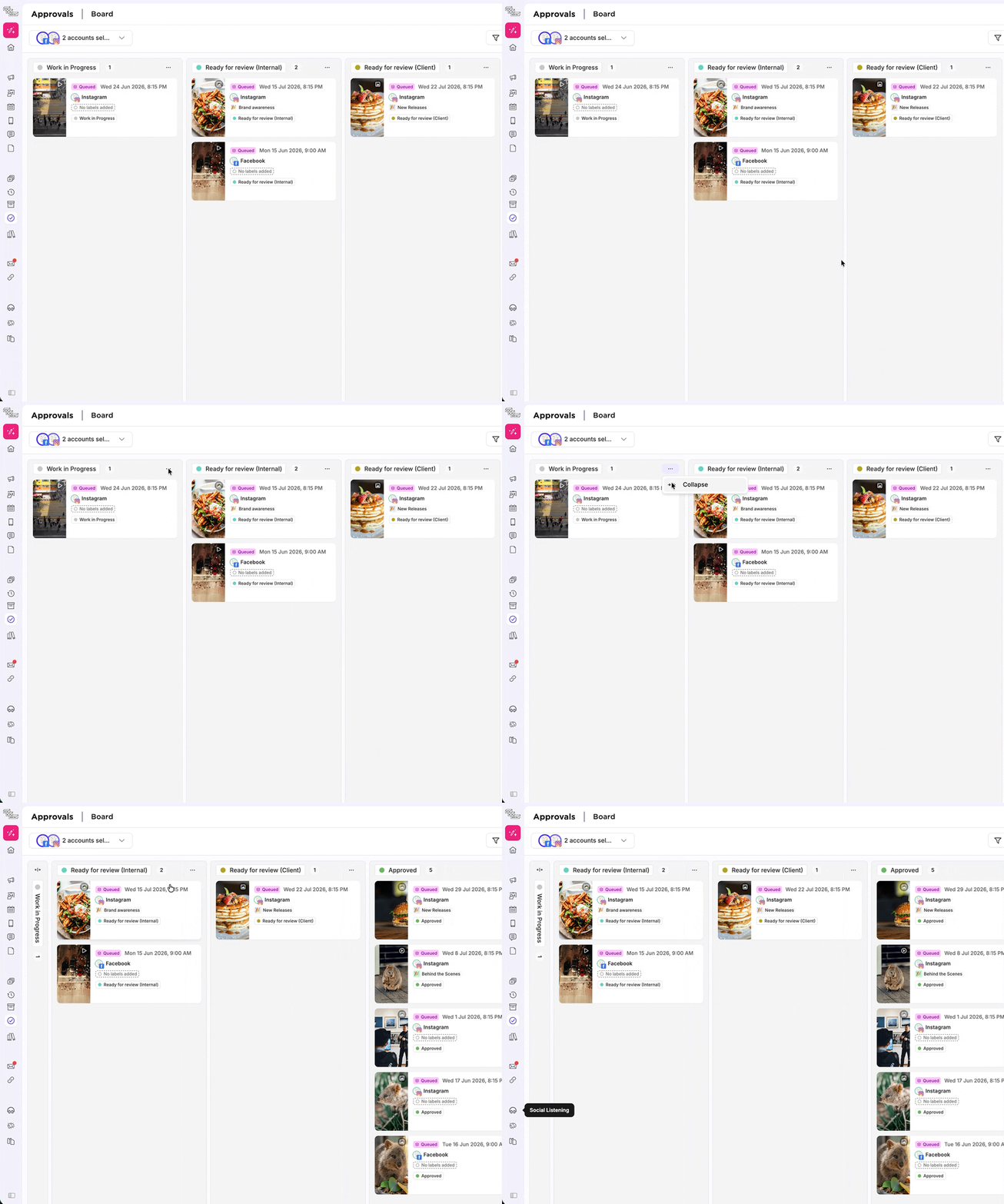
Collapse what you don't need.
If a status column is empty or not relevant right now, collapse it down to a slim bar. It stays collapsed across sessions.
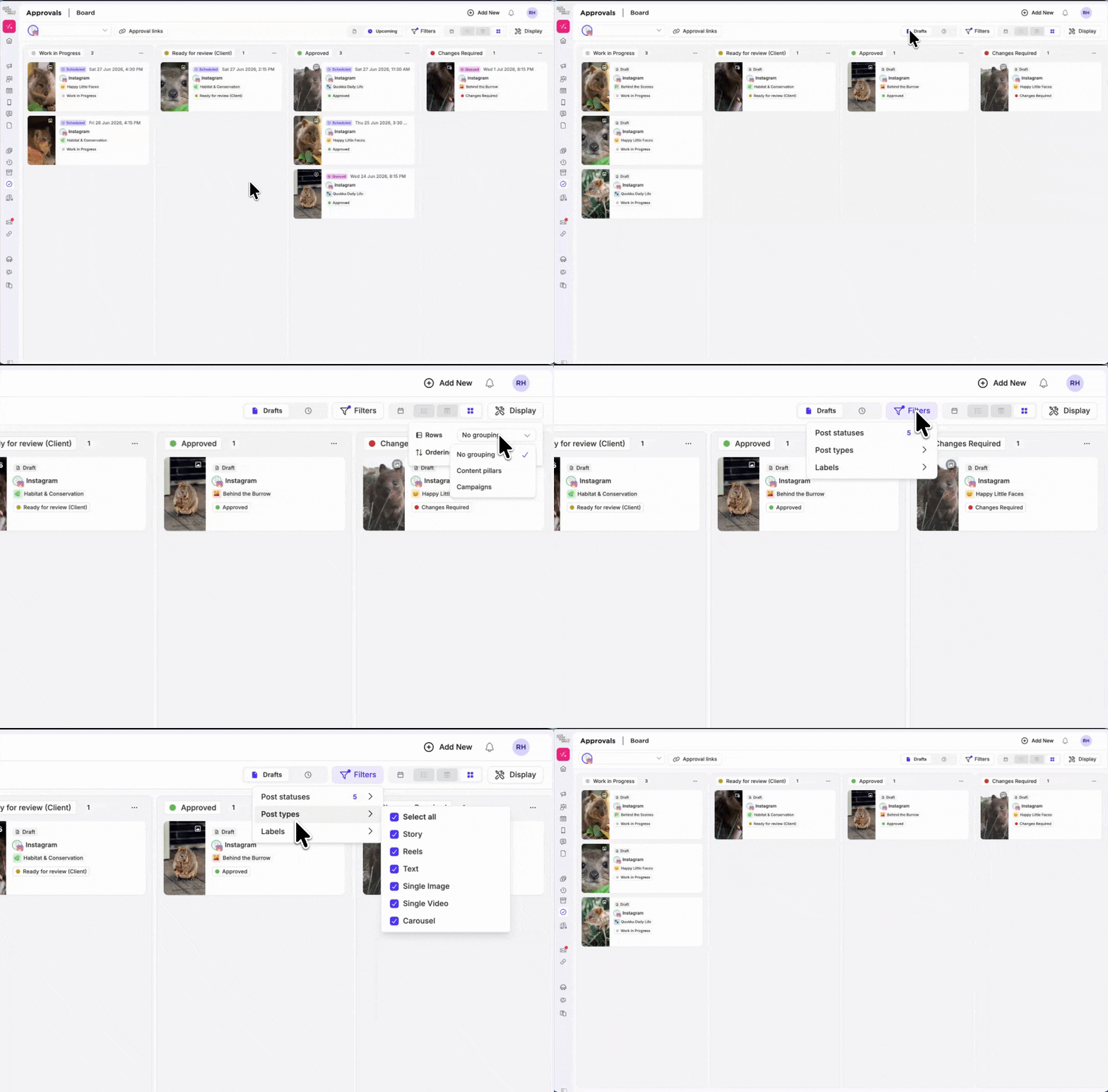
Advanced Filtering and Display options
Toggle between scheduled posts and drafts to suit your approvals flow, filter based on content pillar, post types, accounts and more.
Use the display options to sort by publishing date, add swim lanes to your view.
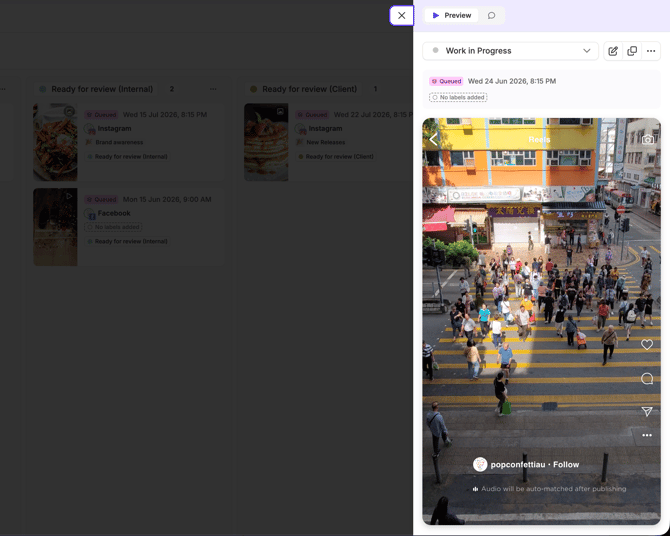
New Post Preview sheet
View the post, teamwork comments, duplicate the post and update statuses from the new Preview Sheet. Need changes? Open the post to edit.