
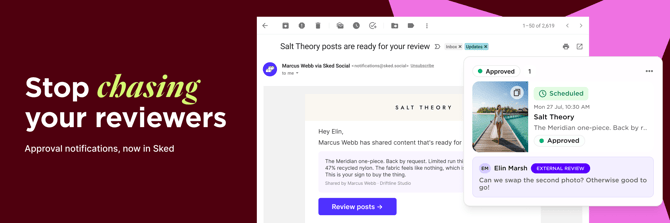
If you use Sked Social's External Review Links to get client approval on your posts, you know the drill: move posts to Ready to Review, then manually shoot off a Slack message, email, or text to let your client know something's waiting.
Not anymore.
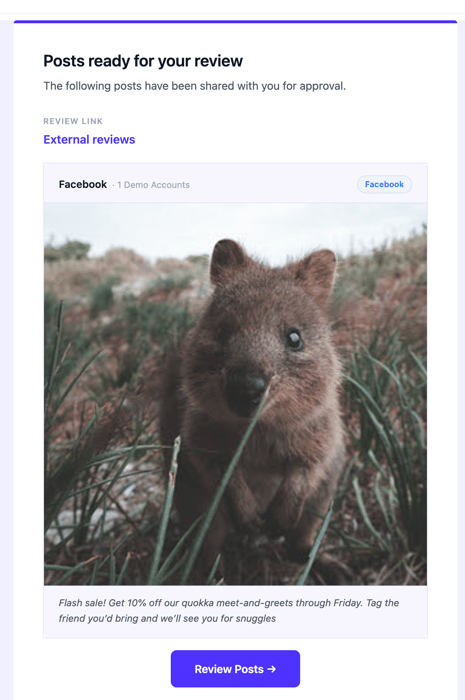
We've added automatic notifications and reminders to External Review Links. Move posts to your configured "Ready to Review" status and your reviewers get an email automatically.
If they haven't acted, a reminder fires on the schedule you set. No manual nudge required.
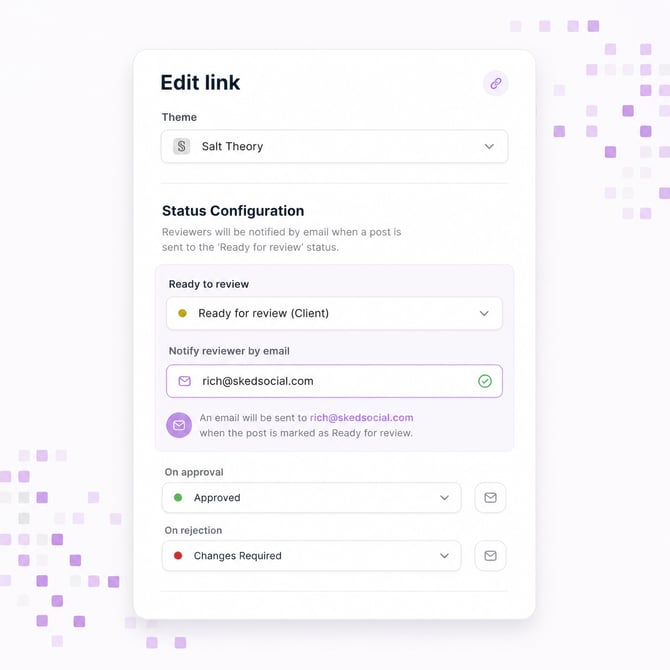
How to set it up:
- Open a review link in Sked Social
- Click Edit
- Add email addresses under "Notify when ready to review"
- Set up any review reminders.
- Save. That's it.
Your reviewers don't need a Sked Social account. They just need an email address.
A few things worth knowing:
- You can add multiple email addresses, comma-separated
- We'll consolidate the emails for 5 minutes, combining multiple emails from post updates into a single message. Emails cannot be recalled once initiated.
- The review link URL is included in the email so your reviewer can go straight to the content
- Existing on-approval and on-rejection notifications are unchanged
- Review reminders are optional and configured per reviewer. Set frequency, time, and timezone in the same Edit Link slide-out.
- Notifications are only available for posts with a time and date. Drafts do not trigger Ready to Review notifications or Reminders
This one came directly from you. It's been one of the most-requested additions to the approvals process. Thanks to everyone who flagged it.