
In Grid Preview, the Autosave changes toggle sits under the grid, below the Submit changes and Undo all buttons.
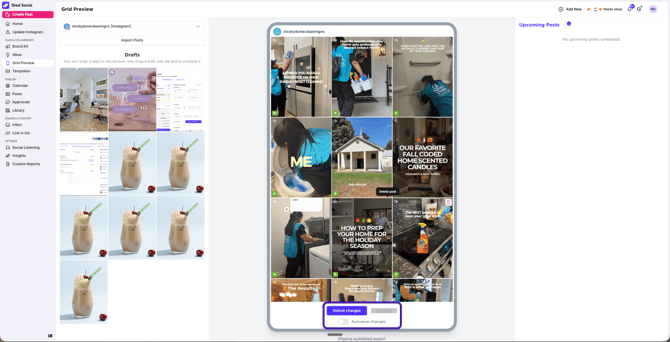 When autosave is on
Each time you make a change (like moving a post to drafts or editing a post), we'll try to save it straight away.
You'll see a confirmation when your changes are saved, and the Submit changes button will read Submitting... while it saves.
Sometimes we can't save posts in the order or setup you've made. When this happens, an error message appears in the top right to let you know your changes weren't saved. Fix any posts that need attention, then click Submit changes.
When autosave is off
Changes like reordering posts won't be saved as you go. Click Submit changes before you leave Grid Preview, or your changes will be lost.
Tip: Turn autosave off if you're making lots of changes quickly. Lots of changes in a short time can overload your browser with requests.